



From Excel to AI: The Path to an Automated Back Office
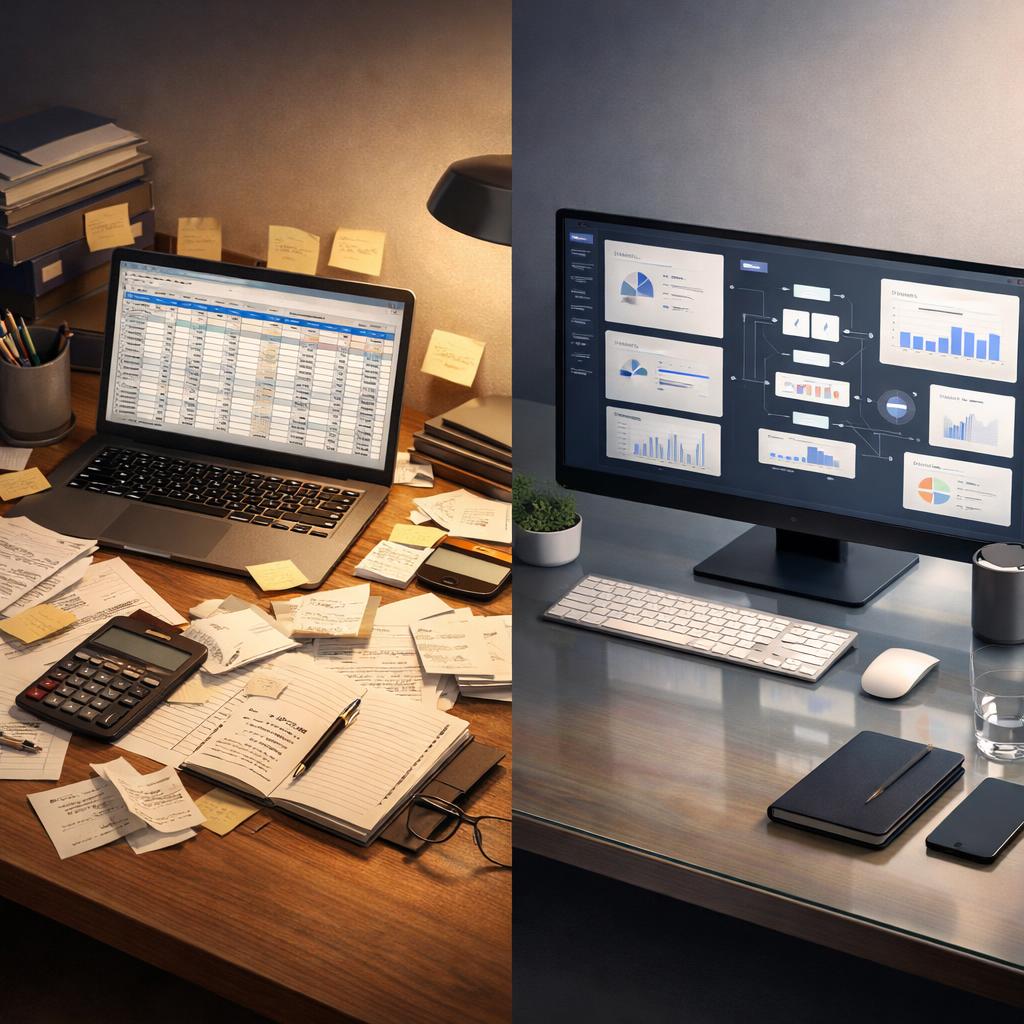
Why moving from Excel to AI is a decisive step for your back office
Many sole proprietors know this situation well: back-office work has been managed in Excel spreadsheets for years. Excel is a powerful tool when it comes to collecting data or performing simple calculations. However, it quickly reaches its limits when data volumes grow, multiple systems are involved, or recurring tasks have to be handled manually again and again.
Modern AI-powered back-office solutions go far beyond spreadsheets. They automate tasks, recognize patterns, reduce errors, and create space for strategic work. This is especially important for self-employed professionals who want to minimize administrative effort while maximizing efficiency—without sacrificing flexibility.
Excel: a strong tool, ut limited for back-office automation
For many sole proprietors, Excel is the first step into financial and data management. The flexibility of spreadsheets is a clear advantage. At the same time, there are important limitations:
- Excel relies heavily on manual input and is therefore prone to errors, especially for repetitive tasks.
- As data volumes increase, clarity and oversight quickly suffer.
- Excel does not offer automatic recognition of invoices, expenses, or deadlines.
While Excel can be automated using formulas and scripts, this requires time, technical knowledge, and ongoing maintenance. As a result, it is not an ideal solution for a growing back office or for truly automated processes.

What AI-powered back-office automation can do
Automatically capture and understand data
Instead of manually entering data into Excel, AI systems can read documents automatically, extract relevant information, and structure it logically. Even when data comes in different formats, modern AI processes it reliably—without rigid templates.
In practical terms, this means:
- Invoices are automatically recognized and recorded.
- Receipts are classified and archived.
- Data is correctly assigned to the appropriate business transactions.
This reduces errors and frees up time for work that truly creates value.

Automate routine tasks and reduce errors
AI-powered systems excel at handling rule-based, repetitive tasks such as recurring bookings, data reconciliation, or continuous data updates. Unlike Excel, these systems do not simply follow static rules. They learn from data, recognize patterns, and improve over time.
The result is higher reliability, less manual effort, and significantly better data quality than traditional manual or semi-automated Excel processes.
More clarity, less routine – greater focus on strategy
When repetitive tasks are automated, you don’t just gain time—you gain perspective:
- You identify trends earlier and can plan more effectively.
- You receive real-time insights into your financial situation.
- You make decisions based on current, consistent data.
AI-powered solutions don’t just improve efficiency; they enable you to actively manage your business instead of merely administering it.
A comparison at a glance
Excel-based back office
- Manual data entry
- High risk of errors
- No automatic pattern recognition
- Time-consuming spreadsheet maintenance
AI-powered back office
- Automatic data capture
- Low error rates
- AI detects trends and anomalies
- Automated workflows
AI is not just a technical upgrade—it represents a strategic shift in how your back office operates.

Why this shift makes sense right now
Technological capabilities have advanced rapidly in recent years. Systems that were once reserved for large companies are now accessible and affordable for sole proprietors. These tools are designed to support you exactly where Excel reaches its limits:
- handling large volumes of data
- identifying patterns and trends
- automating repetitive tasks
- connecting information from multiple sources
This transforms your back office from a burden into a real strength of your business.
What a modern back-office workflow can look like
Imagine receiving an invoice by email. Instead of printing it, opening Excel, and entering the data manually, the following happens:
- Invoice recognition:
The AI automatically reads the invoice content.
- Data extraction:
All relevant information—such as invoice number, amount, and due date—is captured.
- Automatic allocation:
The data is assigned to the correct income or expense account.
- Validation and checks:
The AI checks plausibility and flags inconsistencies.
- Archiving and reporting:
Everything is securely archived and available at any time.
Such automated workflows save time, reduce errors, and create transparency.

Conclusion: From spreadsheet chaos to intelligent back-office support
The transition from Excel to an AI-powered solution is not merely a technical upgrade—it is a strategic step that makes your back office more efficient, reliable, and future-proof. You hand over repetitive tasks, work faster, and gain clear insights into your business performance.
For sole proprietors, this means less time spent on administration and more time for what truly matters: your business and your clients.